
For wellbeing and wildlife

THIS IS A DEMO PAGE ONLY, NOT PART OF THE REAL WEBSITE
This is an example Gallery using DIVI
When adding images to content they can generally be added using an image block. This allows you to place an image accurately within the page layout and know that it will be behave in a predictable way with different screen sizes.
A gallery module is different. It allows you to display many images in basically two ways. I have shown examples below.
Grid Layout
The first method is to display the images as a selection. You do not need to show all of them. There could be 50 but you only show 8. By clicking on one you can navigate through all of them.
Note that there are many options, and one of them that is not working well below is thumbnail generation. They should all be the same shape and size irrespective of the aspect ratio of the original. You can have titles visible, or hidden. That is up to you. The images shown below were chosen at random. If you are able to do this, I recommend upload the images you wish to use at 1000px Y resolution (no bigger than that). Thumbnails should be generated when you upload them. Note that the gallery immediately below is on 2 pages, so there are more than the 8 shown below.
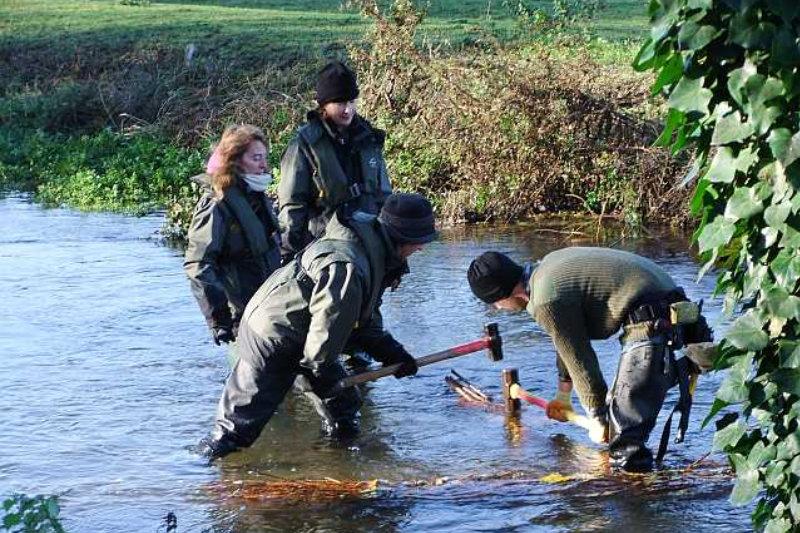
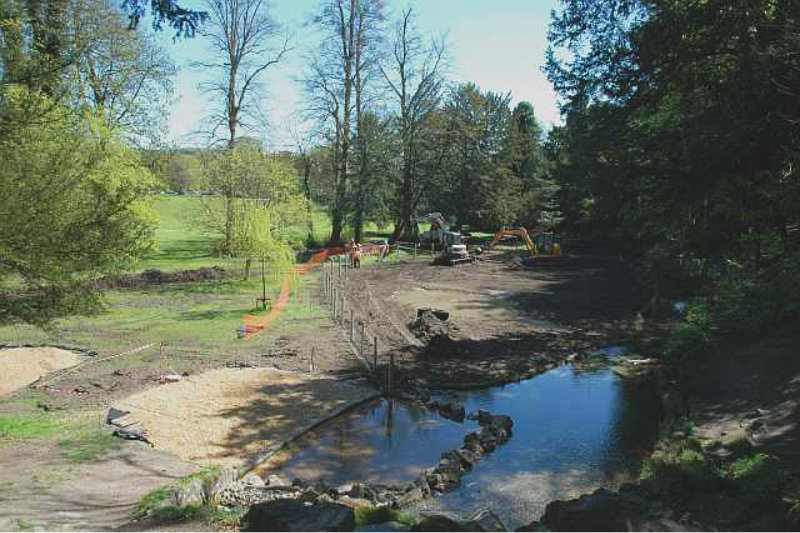


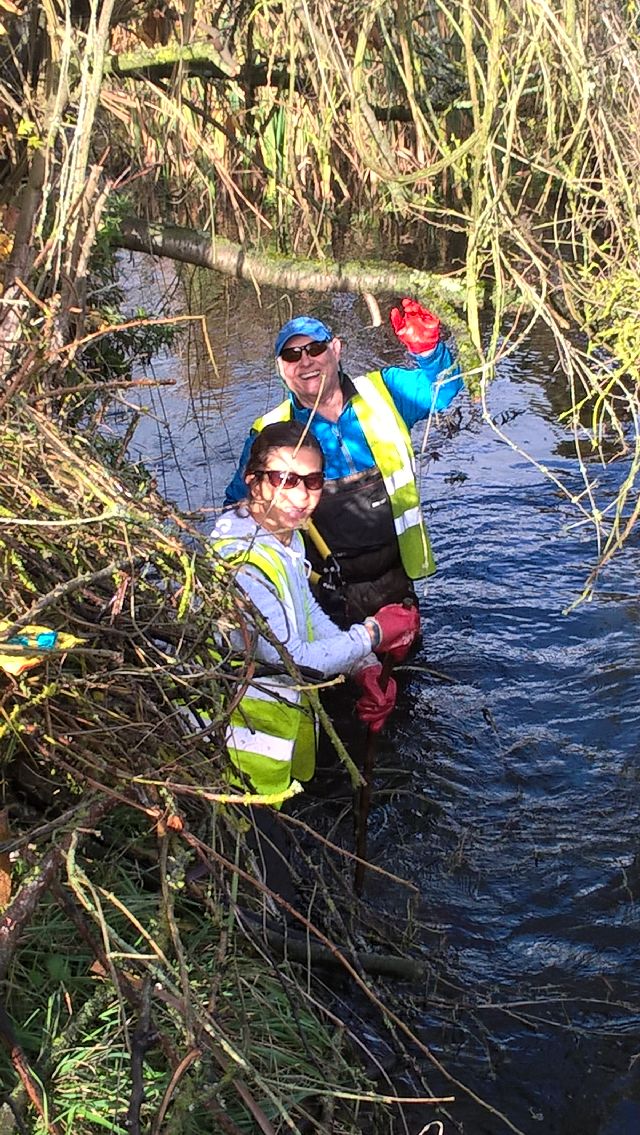
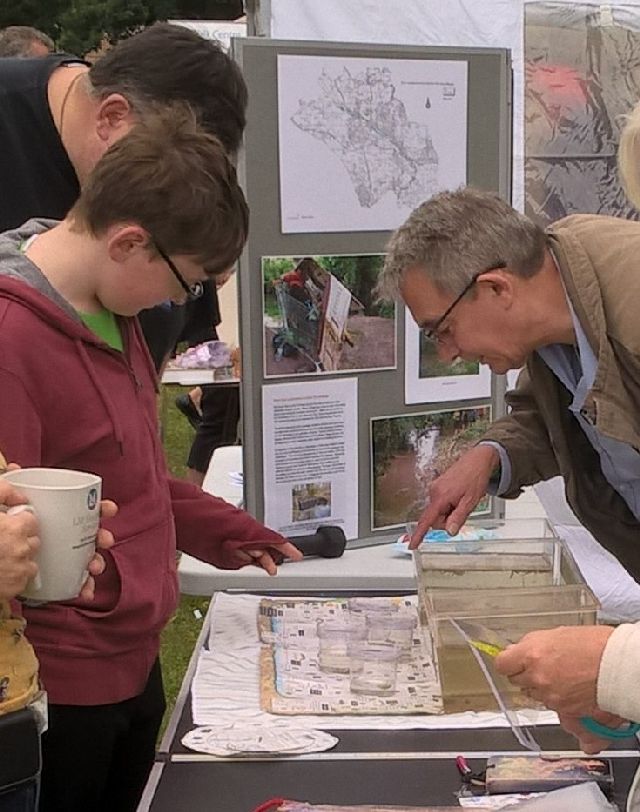
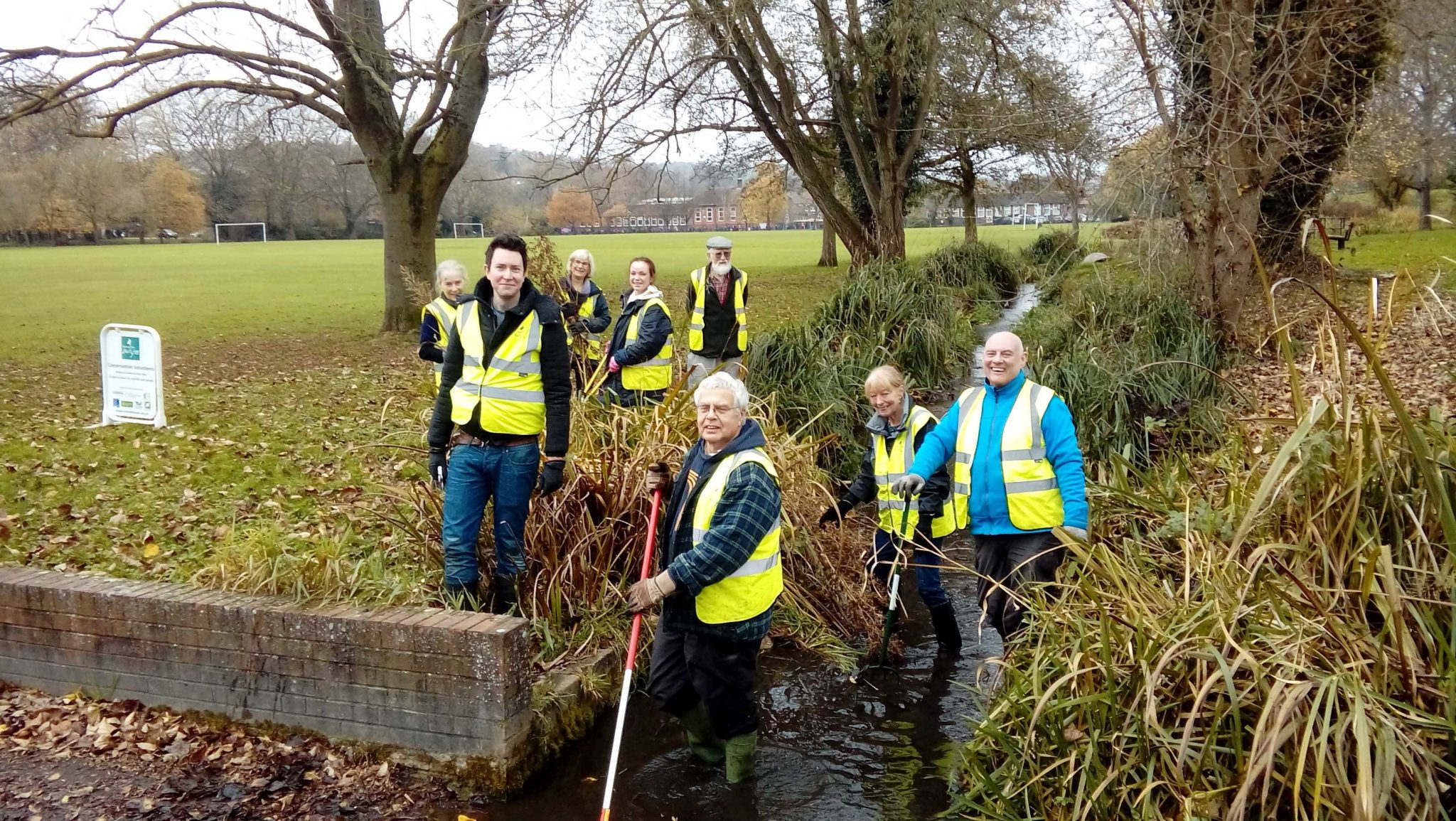


Gallery Slider
The other method is to load up your gallery as in the case above, however display your gallery as a slide show. Lots of ways of doing this, including automatically advancing, or manually. Same principle as above, add a Gallery element, but set it up as a slider.
The set below works very well because each has been sized exactly the same. You do not have to do that, however you should choose an aspect ratio and stick to it converting all of the images to the same aspect ratio and dimensions.


Title and other annotations
While the titles cannot be explicitly seen as I have set these up, they are there. Place your cursor on an image and leave it there and you will see some text. The text can be edited, but is automatically generated based on the file name if nobody has overwritten it.
Things to think about
You have many great images in the website media library. Many though are not very large. Moving over to this system you need to think bigger, but not too big. Max size is now 1000px wide. If you can pull together between 10 and 16 photos of your choice. Make them the same size, send them to me with a word doc which says for this image add in this text for a title. I will record how I put it together, and you can revisit your galleries and decide what you wish to lose and keep. I recommend that we remove the existing gallery handler from the plugins, and use the one built into the template.
Next: Go somewhere